At busybusy, we’ve been working hard to create innovative tools to streamline your workday. While our focus has been building a robust safety module, that’s far from the only enhancement we’ve rolled out.
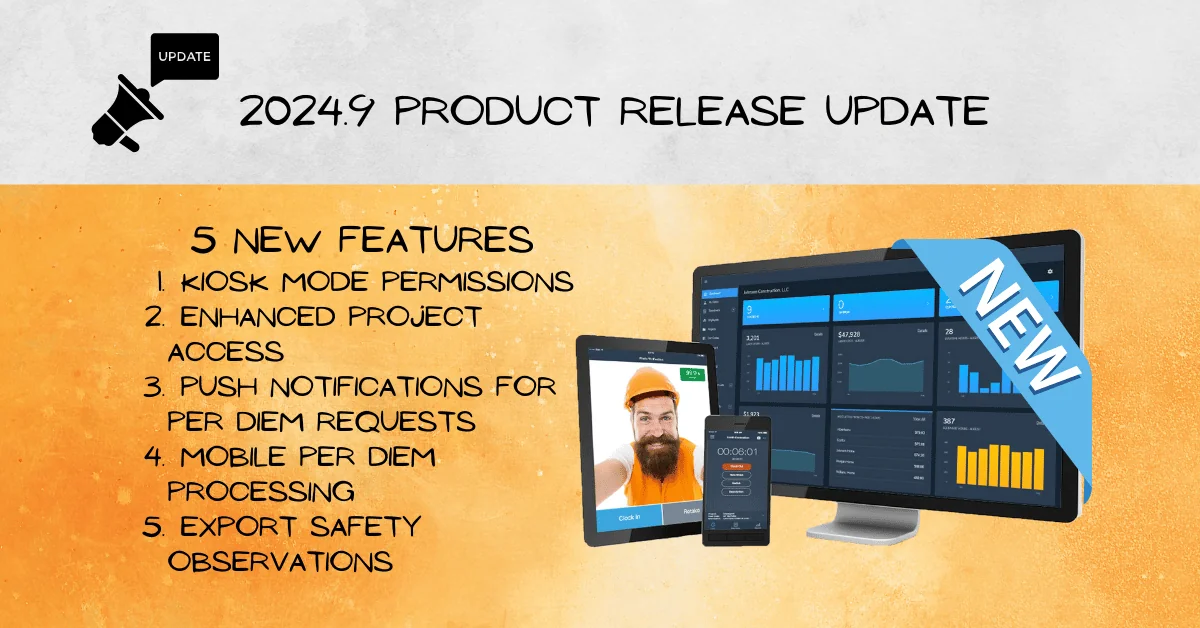
We’re excited to introduce five new features designed to boost efficiency, enhance communication, and simplify processes for you and your team. Stick around to watch how the busybusy 2024.9 release delivers these tools- all in action!
Here’s a quick dive into what’s new:
1. Kiosk Mode Permissions: Added Control for Your Team
busyubys’s versatile time tracking lets any device transform into a kiosk, whether it’s an iPad in the breakroom or a supervisor’s smartphone. However, not every team member needs access to this functionality.
To maintain control, we’ve introduced Kiosk Mode Permissions, allowing you to decide who can enable kiosk mode on their device. This added layer of security ensures that only authorized personnel can turn their devices into time-tracking hubs.
2. Enhanced Project Access: Quick Details at a Glance
Gone are the days of hunting through side menus to find project details! Now, team members can quickly access project, cost code, and equipment details directly from the mobile clock-in screen.
Here’s how it works:
- Tap the “View” button at the bottom of the clock-in screen to see your project’s landing page.
- Instantly access project photos, notes, and uploaded documents.
- Scheduled on a specific project? Tap the folder icon on your schedule entry for quick access.
This streamlined process saves time and keeps everyone focused on the job.
3. Push Notifications for Time Off & Per Diem Requests
Communication just got a major upgrade. We’ve added push notifications for both time off requests and per diem approvals, ensuring everyone stays in the loop.
Here’s what’s new:
- Managers: Receive instant notifications when a request is submitted if you’re set up to manage time off or per diem.
- Employees: Get notified the moment your request is approved or denied.
This feature eliminates guesswork and speeds up the process for everyone involved.
4. Mobile Per Diem Processing: Manage Requests Anywhere
Managing per diem requests has never been more convenient. Now, supervisors can approve or deny per diem requests directly from the busybusy mobile app.
With this feature, managers no longer need to log into the web platform to process requests. Whether you’re in the Supervisor Tools or the Employee Tab, handling per diem requests is quick and hassle-free—perfect for busy schedules.
5. Export Safety Observations: Share Data Seamlessly
For those who use our safety features, we’ve added a simple but powerful update: export safety observations as a CSV file.
This new feature is perfect for:
- Sharing observations with third parties like insurance providers or OSHA.
- Exporting both processed and open observations quickly and easily.
busybusy 2024.9 release update

Wrapping It Up
These updates are all about making your busybusy experience smoother, faster, and more efficient. From enhanced project access to mobile-friendly tools and better communication, we’re here to keep your operations running seamlessly.
Stay tuned for more exciting updates as we continue improving busybusy. And as always—stay busy!