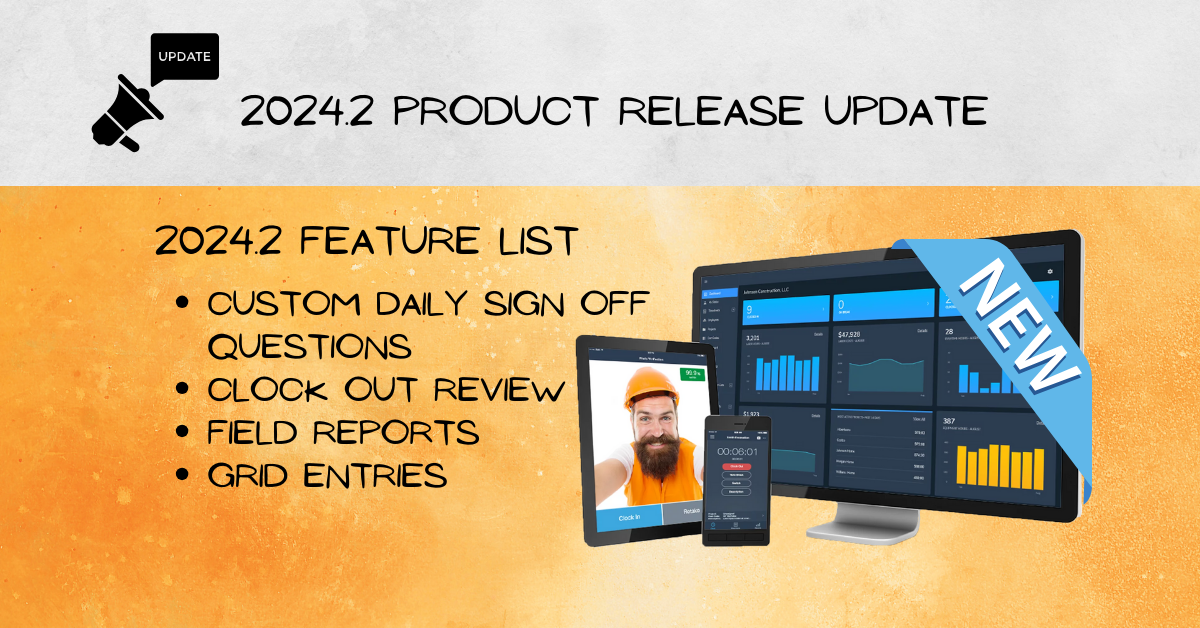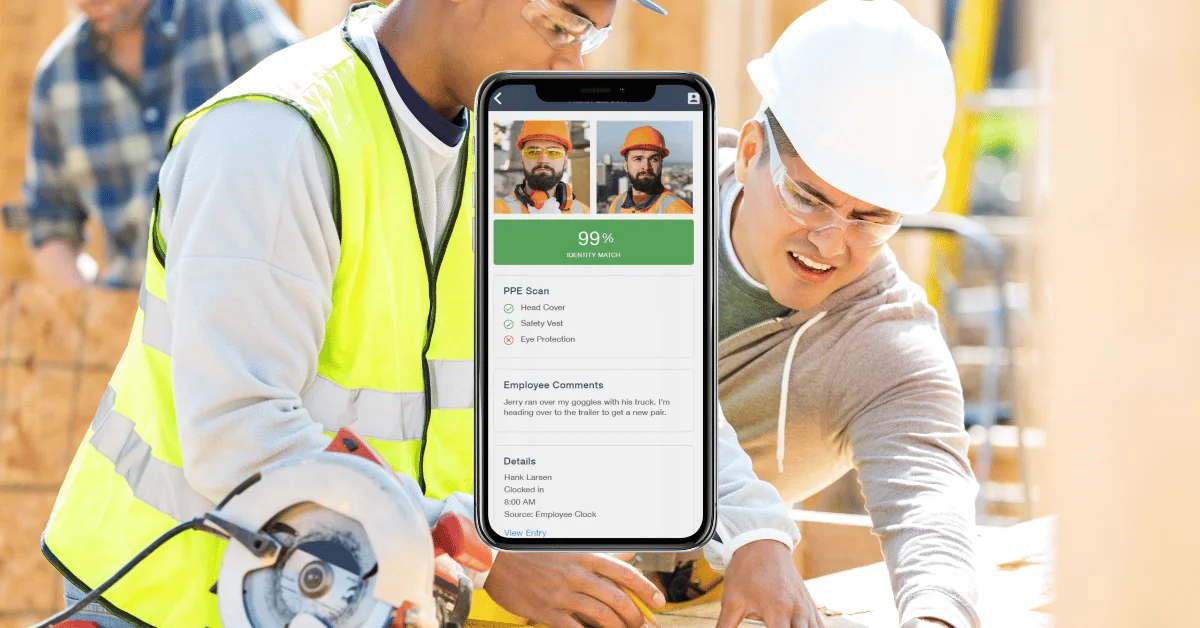
There are four brand new features in BusyBusy’s latest 2025.6 release — and we’re excited to share them with you! If you’re on BusyBusy Premium, you’ll have access to all of these powerful tools, plus one you’ve been waiting for: PPE Scan. Let’s dive in!
Premium PPE Scan — Safety Built Right Into Photo Verification
Our new Premium PPE Scan takes workplace safety to the next level by building PPE detection right into BusyBusy’s already powerful Photo Verification tool.
You already know Photo Verification helps confirm employee identity at clock-in to prevent buddy punching. Now, with PPE Scan enabled, it can also check for the required safety gear in real time.
Here’s how it works:
- Head to Settings → Position → Photo Verification.
- Choose to enable Photo Verification for kiosk users only, or by position.
- Decide when it’s required: clock in, clock out, breaks, or switches.
- Select what PPE items to check for when scanning photos.
When an employee clocks in, BusyBusy’s AI scans the photo for the required gear. If something’s missing, the system flags it, alerts both the employee and their supervisor, and gives the employee a chance to leave a comment.
If you’re already a Premium user, PPE Scan is ready for you now! If you’re not yet on Premium and want to explore everything it offers (including this new safety feature), click the Premium link in the announcement banner or reach out to our team.
Enhanced Equipment Tracking — Multi-Item Made Easy
Supervisors, this one’s for you! With enhanced Equipment Tracking, you can now assign multiple pieces of equipment to an employee using the Supervisor Job Costing tool.
Track primary equipment and easily add extras like attachments, trailers, or small tools for each crew member — all in one place. It’s a faster, more organized way to ensure accurate job costing without extra steps.
Company Logo in Field Reports — Brand Every Report
Want your field reports to look as professional as your work? Now you can upload your company logo in your Company Settings and have it appear in the header of every new field report automatically.
Just upload once and BusyBusy will do the rest — your branding will shine through on every report going forward.
Time Off Visibility in Scheduling — Smarter Planning
The Mobile Schedule now shows approved time off — vacations, holidays, personal leave — right where you need it.
Supervisors can view time off for any employee they have permission to track, while employees can see their own schedules. It’s an easy, visual way to know who’s available and when, helping you plan without guesswork.
That’s everything in BusyBusy’s 2025.6 release! We’ve got more exciting updates coming, so stay tuned — and as always, stay busy.